The Beginner's Guide to Event Videography

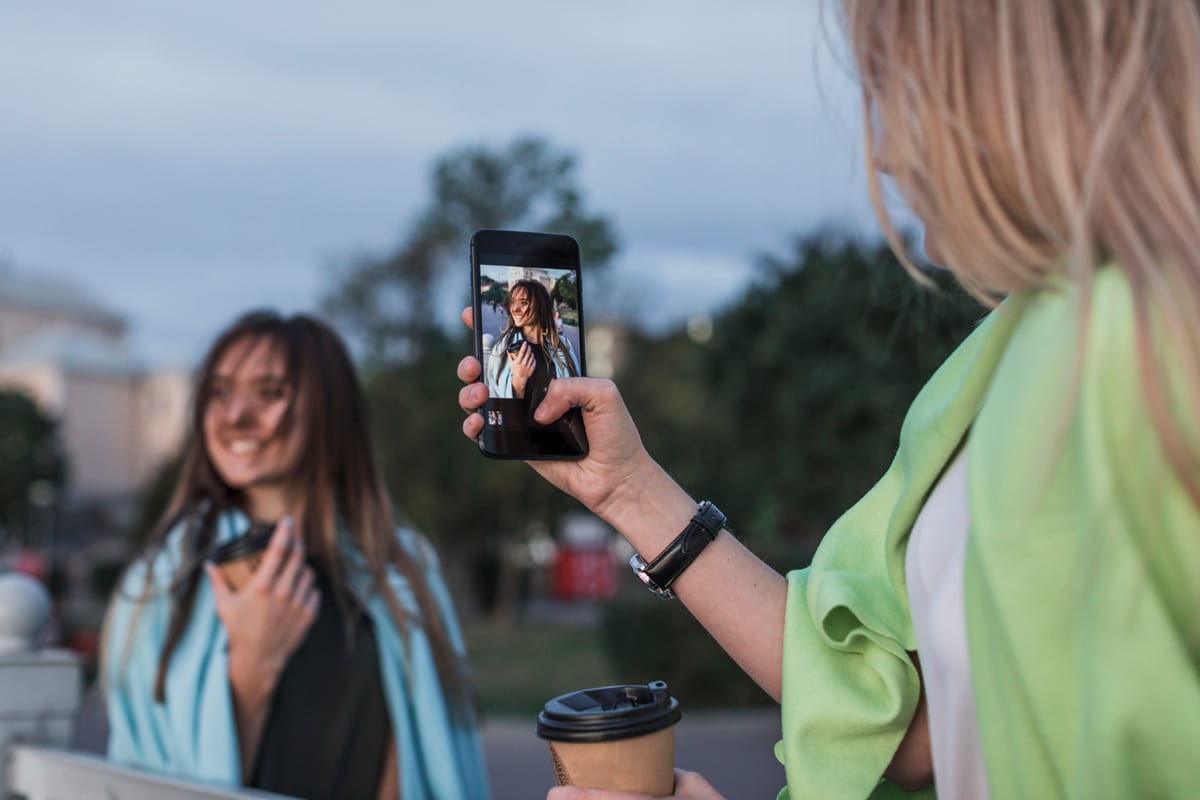
Event Videography Isn't Just for Professionals
When you think of event videography, you might picture a seasoned professional wielding a high-end camera. But here's a surprising thought: you don't need to be a pro to create something memorable. With today's technology and a bit of guidance, even beginners can capture stunning footage that will be cherished for years.
Start with the Right Equipment
One common mistake beginners make is over-investing in gear. While top-notch equipment can certainly help, it's not always necessary for capturing great videos. Focus on getting a decent camera that fits your budget and offers manual settings to give you control over your shots.
- Camera: A mid-range DSLR or mirrorless camera is a solid choice for versatility and quality.
- Microphone: Invest in an external microphone to ensure clear audio, which is as crucial as the visuals.
- Tripod: A sturdy tripod helps maintain steady shots, especially during key moments.
Plan Your Shots Ahead of Time
One of the keys to a successful event video is planning. While spontaneity can capture some magic, having a shot list can guide you through the day.
- Arrival and Setup: Capture the venue before guests arrive to set the scene.
- Key Moments: Identify and schedule critical events like speeches, dances, and ceremonies.
- Candid Shots: Aim to capture guests interacting naturally to add authenticity to your video.
Common Mistakes to Avoid
No one wants to look back on their footage full of regrets. Here are a few pitfalls to dodge:
- Shaky Footage: Always use a tripod or stabilize the camera with your body.
- Poor Audio: Test your microphone setup beforehand to avoid muffled or quiet audio.
- Overlighting or Underexposure: Balance natural and artificial light to keep the exposure even.
Editing: Where the Magic Happens
Editing is where your footage transforms into a cohesive story. You don't need to be a wizard; just focus on trimming and organizing clips to maintain a natural flow.
Use accessible editing software like iMovie for beginners or Adobe Premiere Pro for more advanced features. Remember, sometimes less is more — don't overwhelm your video with effects that distract from the story.
Consider JoinMyMoment for a Seamless Experience
If you're looking for an easier way to capture and share your event's memories, JoinMyMoment can simplify the process. It's a browser-based solution that allows for real-time photo and video capture, meaning guests can contribute directly from their phones without downloading any apps. Plus, its shared live gallery and host-controlled privacy settings ensure that your event memories are both secure and easily accessible. It's perfect for anyone who wants to focus on enjoying the event while still capturing every moment effortlessly.