How to Organize and Share Photos After a Big Event


The Challenge of Managing Event Photos
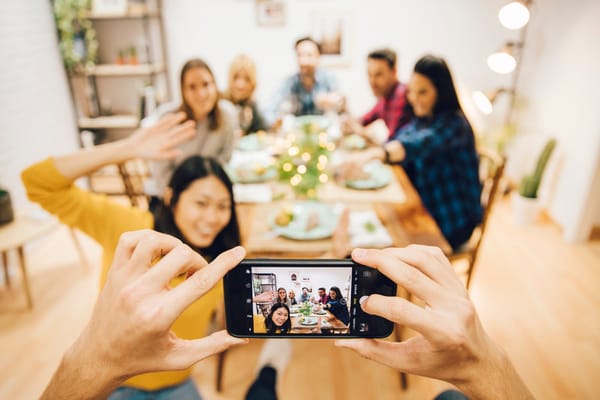
After the excitement of a big event, whether it's a wedding, family reunion, or milestone birthday, you're often left with hundreds, if not thousands, of photos. The sheer volume can be overwhelming, making it hard to know where to start. You might feel pressure to sort, edit, and share them quickly, but without a plan, it can become a daunting task. Fortunately, with a bit of organization and some handy tools, you can manage this process effectively.
Start by Sorting Your Photos
The first step in taming your photo chaos is sorting. Begin by uploading all your photos to a central location on your computer or cloud storage. Create folders labeled by date or event segment to make browsing easier. This initial step helps you quickly find specific moments later on. Don't worry about editing just yet; focus on getting everything in one place. You can use this opportunity to delete duplicates and any blurry or off-angle shots.
Editing for Quality Over Quantity
Once sorted, it's time to edit. But don't get bogged down trying to perfect every photo. Instead, choose the standout images that truly capture the essence of the event. Basic edits like adjusting brightness, contrast, and cropping can make a big difference. Remember, you're not aiming for perfection—just a collection that reflects the best moments. There are plenty of user-friendly photo editing tools available, many of which are free, to help you enhance your favorites.
Sharing Photos with Ease
When it comes to sharing, you want something easy for both you and your viewers. Consider creating a shared online album. Platforms like Google Photos or Dropbox allow you to upload your edited photos in a single album with a shareable link. This way, guests can view the pictures at their leisure without needing to download large files. Make sure to set the right permissions so only the people you invite can access them.
Using a Gallery for Interactive Sharing
If you're looking for a more interactive way to share your photos, think about creating a live gallery. A live gallery lets you capture the event's energy by allowing guests to upload their own photos and videos alongside yours. This approach creates a communal experience and offers perspectives you might have missed. It also encourages engagement, as attendees can leave comments or captions, adding their personal touch to the memories.
Preserving Memories for the Long Term
Once your photos are sorted, edited, and shared, don't forget about long-term preservation. Back up your photos in multiple locations, like an external hard drive or cloud storage, to prevent loss. Consider creating a physical album or photo book, which offers a tactile way to enjoy your memories. These physical keepsakes can be great conversation starters and cherished gifts for family and friends.
A Convenient Solution for Hassle-Free Sharing
If managing all these steps sounds overwhelming, or if you simply want a streamlined way to handle everything, consider using a service like JoinMyMoment. This browser-based tool allows for real-time photo and video capture, offering a shared live gallery that's accessible through QR codes. It's an all-in-one option that simplifies sharing and organizing, letting you focus on enjoying the memories instead of managing them.