How to Remove Duplicate Photos Without Losing Moments
Use duplicate suggestions for exact copies, then compare similar event shots by scene and keep only the frames that add something new.
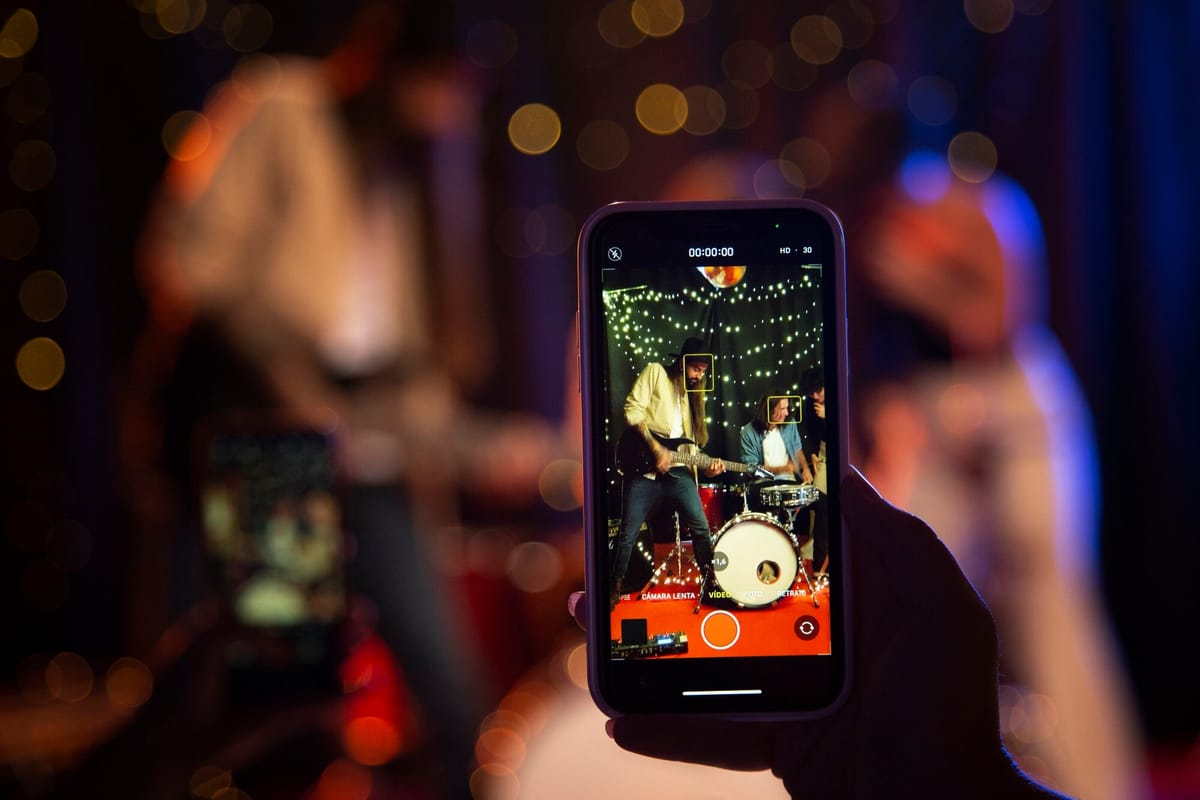
To remove duplicate photos, use your photo library’s duplicate suggestions for exact copies first, then sort near-identical photos by event moment. Keep the frame with the clearest subject, best expression, strongest timing, or a genuinely different angle. For a big event gallery, compare the toast, group photos, dancing, and cake shots separately instead of opening every file in one long scroll.
What can built-in duplicate tools find automatically?
Built-in duplicate suggestions are useful for the straightforward part of the job: files your photo library identifies as the same or very close copies. Start there after an event, especially if you have received the same image more than once through a message, download, or shared folder.
Review each suggested match before you delete anything. Two images that look alike in a small preview can have a different crop, edit, or image quality. If they are truly the same photo, retain the version you want and remove the spare copy.
This is the quick win. It clears accidental repeats without asking you to make an artistic decision about every picture.
Automatic suggestions are less helpful with the photos that usually make event galleries feel unwieldy: six shots of the same speech taken seconds apart, several versions of a group portrait, or a run of cake-cutting photos where only one person has changed expression. Those are separate files, so they need a human call.
Near-duplicates are not the same as true duplicates
Near-duplicates show the same people and the same moment, but each file is slightly different. One may be sharper. Another may catch the laugh. A third may include the person who was giving the speech rather than only the people listening.
That difference matters. A close-up of the speaker and a wider image showing the room can both earn their place. Eight almost identical wide shots of the speaker probably do not.
When you clean up duplicate event photos, the aim is not to leave one photo for every minute of the day. You want to remove repetition while keeping the reactions, context, and perspectives that tell the story. Be more ruthless with repeated poses than with candid moments. A slightly imperfect photo of a grandparent laughing may be worth keeping if no other photo catches that reaction.
How do you pick the keeper without opening every file?
Use grid view for your first pass. Small previews let you compare a group of similar shots at once, which is much faster than opening each image full-screen and trying to remember what the last one looked like.
- Work scene by scene. Begin with one part of the event, such as a toast, a posed family photo, or the first dance. Finish that set before moving on.
- Remove obvious misses first. Look for blur, blocked faces, closed eyes, fingers over the lens, and frames where someone has walked through the shot.
- Choose a likely winner from the previews. Pick the image with the clearest subject, strongest expression, or cleanest framing. Open only the closest two or three alternatives to check focus and detail.
- Keep meaningful variation. Save another photo if it captures a different reaction, viewpoint, or amount of context. Delete versions that repeat the same view without adding anything.
- Move on once the decision is good enough. You are making a usable event album, not holding a tribunal for every image.
The useful mental shift is this: you are not judging every file from scratch. You are looking for the strongest frame in a small set, then asking whether any other frame tells a different part of the story.
Use this checklist when two photos are close
When two or three images are hard to separate, keep the one that wins the most checks below. A preview is often enough for the first decision; inspect only the finalists at full size.
| What to compare | Keep this version | Delete this version |
|---|---|---|
| Focus | The main subject is clear | A softer version of the same pose |
| Expression | Open eyes, a natural smile, or a useful reaction | Blinks or an awkward mid-speech face |
| Timing | The laugh, hug, toast, or candle blow | The lead-in or aftermath with no extra value |
| Composition | Clean framing with an easy-to-find subject | Blocked faces or distracting clutter |
| Story value | A distinct angle or reaction | Another version of the same viewpoint |
Do not force every set down to one image. A formal portrait, a candid reaction, and a wide room shot may record the same minute in three meaningfully different ways. Keep the difference. Remove the repetition.
Delete in an order that keeps regret low
Start with the easiest calls: exact copies, accidental pictures, and shots that are plainly blurred or blocked. Then tackle the biggest repeated sequences, which are often speeches, posed photographs, and dance-floor bursts.
Leave the difficult choices until later. An image can matter because of who is in it, even if it is not the sharpest frame. If you hesitate, keep it in a short review-later selection rather than deleting it while you are tired. Storage is cheaper than losing the only photo of someone important at the event.
Once you have chosen your keepers, put them in a dedicated event album. For ideas on what to do next, read how to organize and share photos after your event. If guests use different phone types, these ways to share photos between iPhone and Android can help you settle on a sharing method before more copies spread around.
Make the next event gallery easier to sort
Collecting photos in one shared place gives you a cleaner starting point than chasing images through separate message threads and transfers. JoinMyMoment is a browser-based event gallery where guests scan a QR code to share photos, videos, and voice messages. They do not need to download an app or create an account, and the shared gallery updates as people upload.
Guests can also upload photos from their camera roll, which means the shots they already took can join the same event gallery. Hosts can set a photo-upload limit per guest, choose an event duration from a few minutes up to 15 days, and make the gallery private or public. If keeping event photos off social media matters to you, read how to share event photos privately without social media or public galleries.
For a small gathering of up to 10 guests, JoinMyMoment is free and includes unlimited photos, voice messages, and live video moments. For larger events, it is a one-off payment based on guest count; view the event gallery prices by guest count before you set up the QR code.
There is one limitation to plan around: JoinMyMoment is built for an event with a defined start and end, not as a permanent photo archive. Photos stay available for 60 additional days after the event ends, so download or sync the keepers you want to keep long term.
Bottom line: use automatic duplicate suggestions for genuine copies, then review similar photos scene by scene in grid view. Keep the best-focused, best-timed, or most distinctive frame, and retain extra photos only when they add a different reaction or perspective. That is how you reduce the pile without stripping the event of its real memories.
Frequently Asked Questions
How do I delete duplicate photos on my phone?
Start with the duplicate suggestions available in your photo library and review each match before deleting it. Keep the version with the crop, edit, or image quality you prefer. Then deal with near-identical photos separately by grouping them around moments such as speeches, portraits, or dancing and selecting the strongest frame.
Can my phone find near-duplicate photos?
Duplicate suggestions can help with obvious copies, but near-duplicate photos still need your judgment. Images taken seconds apart may differ in focus, facial expression, framing, and emotional value. Compare them together in grid view, choose a likely winner from the previews, then open only the closest alternatives for a detailed check.
How do I choose which duplicate photo to keep?
Keep the photo with the clearest subject, sharpest focus, best expression, and strongest timing. If two images are equally good, choose the cleaner composition. Keep more than one only if each offers something distinct, such as a close-up reaction and a wider photo that shows the room or other guests.
What is the fastest way to clean up duplicate event photos?
Sort the gallery by event moment rather than scrolling through everything at once. Review arrivals, speeches, group portraits, cake, and dancing as separate sets. Remove obvious mistakes first, choose a provisional winner from each set, then keep only photos with a distinct angle, reaction, or context. This avoids opening every file.